

New Wireless Standard
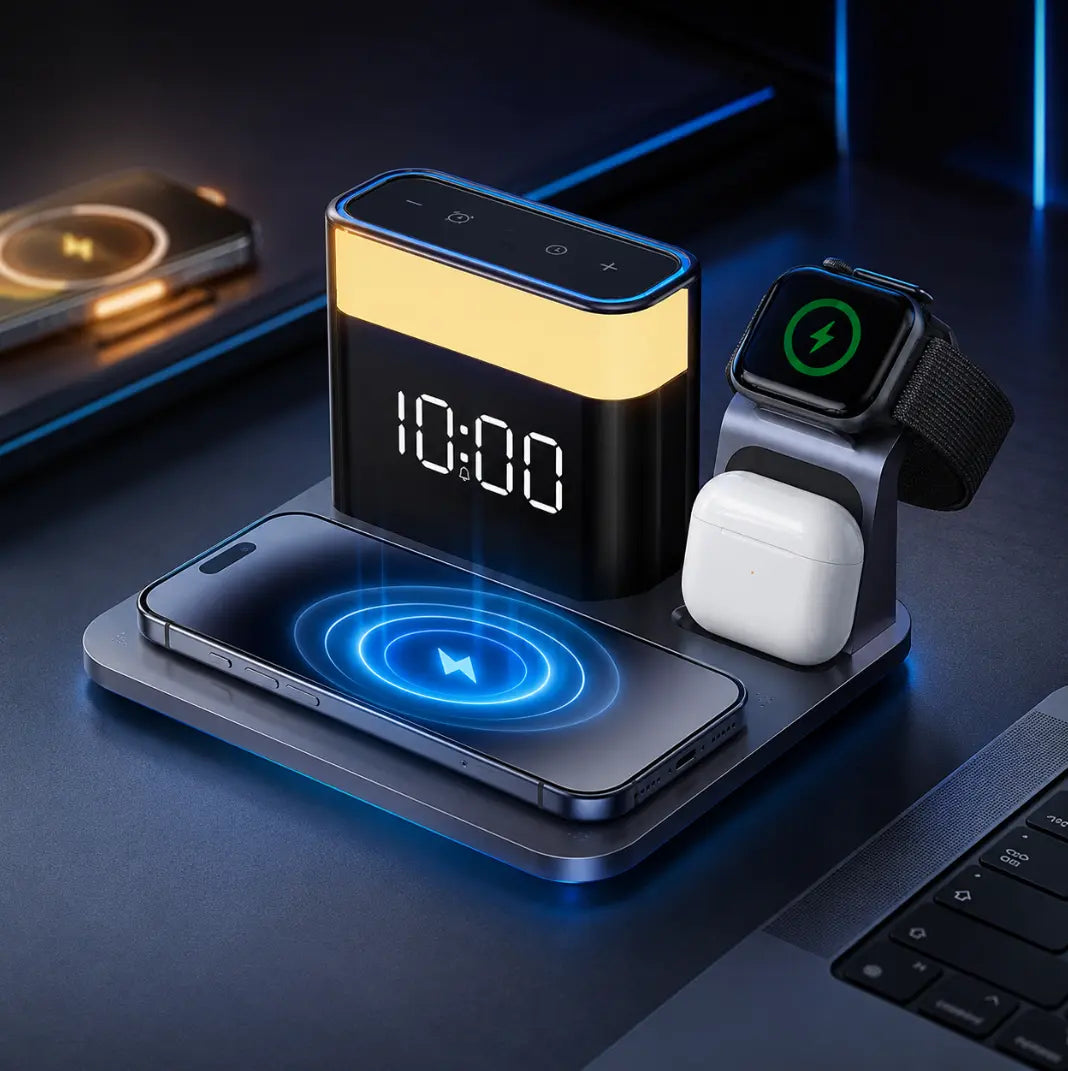
Why Your Wireless Charger Is Slow (And How Qi2 Solves It)
Wireless charging is supposed to be the easy option.
You put your phone down, walk away, and come back to more battery.
So when you leave an iPhone on a charger for half an hour and the battery percentage has barely moved, something feels wrong. Maybe the phone is warm. Maybe charging keeps starting and stopping. Maybe the charger worked perfectly yesterday but suddenly feels painfully slow today.
If you have ever searched “why is my wireless charger so slow?”, the answer is rarely as simple as “wireless charging is just slow.”
Charging speed depends on an entire chain: the phone, charger, power adapter, cable, case, alignment, temperature, battery level, and even what you are doing on the phone while it charges. One weak link can reduce the performance of everything else.
The good news is that many of these problems are easy to identify. And newer standards such as Qi2 are designed to remove one of the biggest variables in wireless charging: inconsistent alignment.
Here is what is actually happening when wireless charging feels slow, what you can fix, and where Qi2 makes a meaningful difference.

How to Organize Your Nightstand Without Cable Clutter
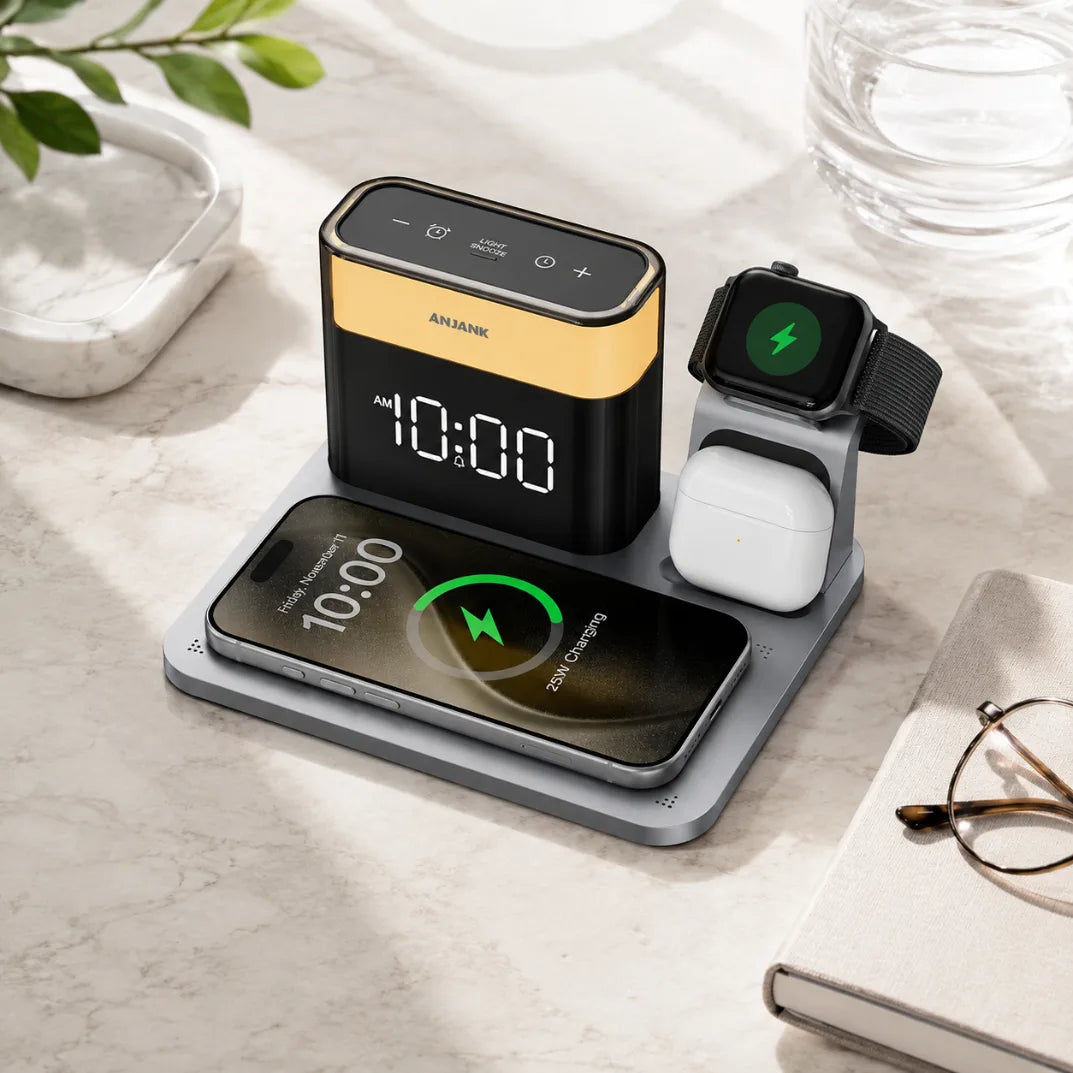
How to Choose the Right Wireless Charging Station for Your Apple Devices

Best Bedside Charging Station for Apple Users: Complete 2026 Guide

How to Create a Clutter-Free Bedside Charging Setup

Qi2 Explained: How Magnetic Wireless Charging Improves Traditional Qi
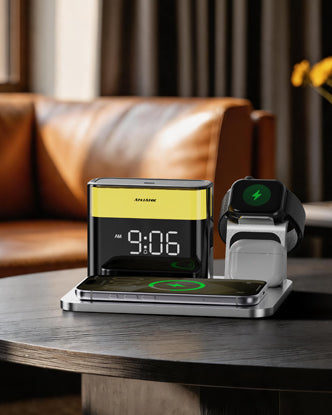
Meet ANJANK: Inside the Design of a 5-in-1 Wireless Charging Station
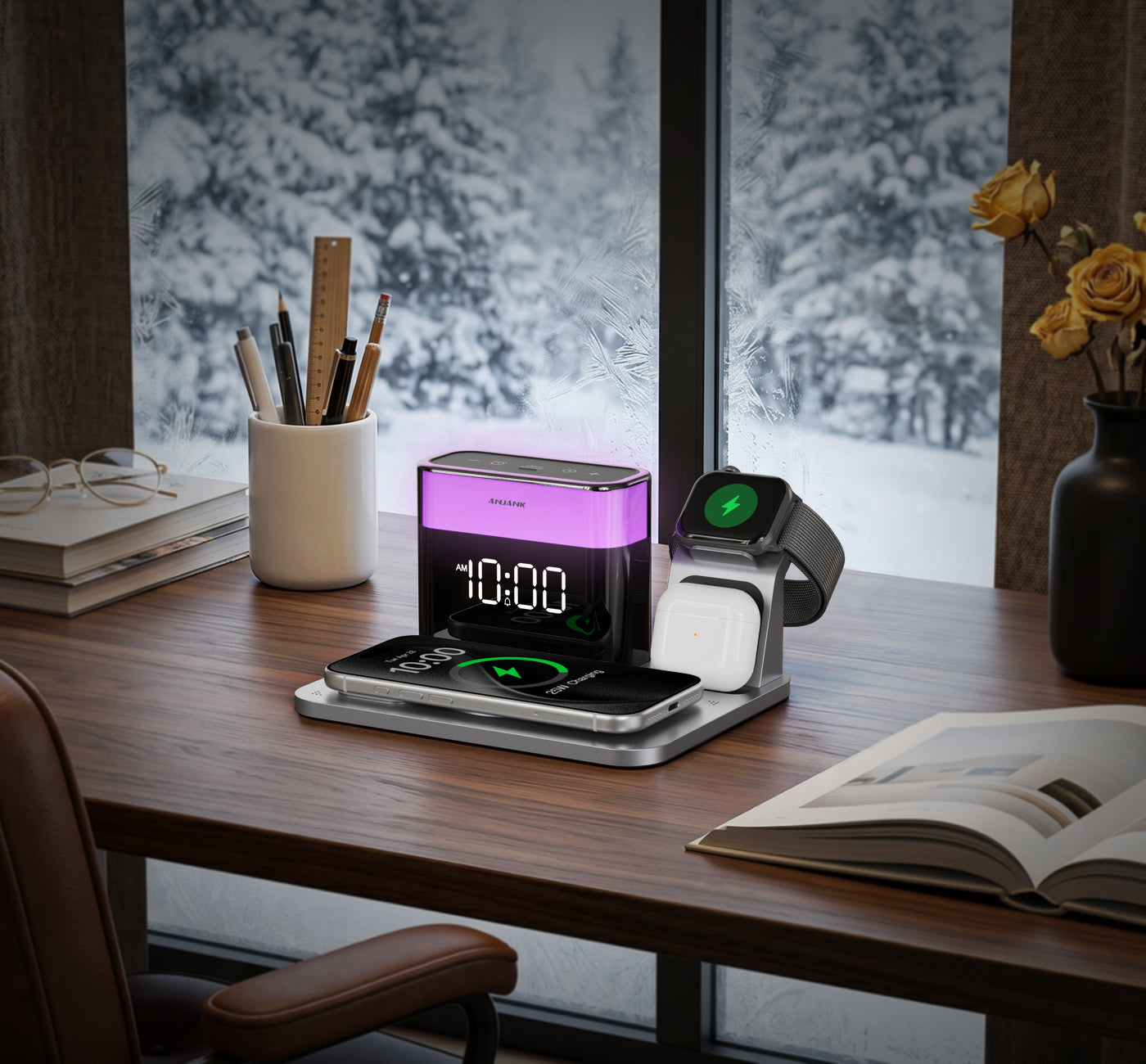
Why Your Nightstand Deserves More Than Just a Charger
A modern nightstand deserves more than tangled cables. Discover how ANJANK brings charging, organization, lighting, and bedside living into one refined Apple charging station.